Verify that the product, edition, and device number are correct. If you have any doubts about compatibility, please contact us before purchasing.
✓ Quick check before purchase
Compatibility and delivery
productWindows 11
PlatformWindows PC
License typeLifetime digital license
Devices1 device
DeliveryEmail after payment
SupportAssistance included
PayPalPaperDigital deliveryInstructions included
Note: Digital licenses are delivered via email and can be used according to the terms of the product purchased. Always check edition, platform, and number of devices before purchase.
Secure Purchase with KeyEase
✓Digital licenseDelivery by email
⚡Rapid dispatchAfter payment
🔒Secure paymentPayPal and card
💬Support includedActivation help
Description
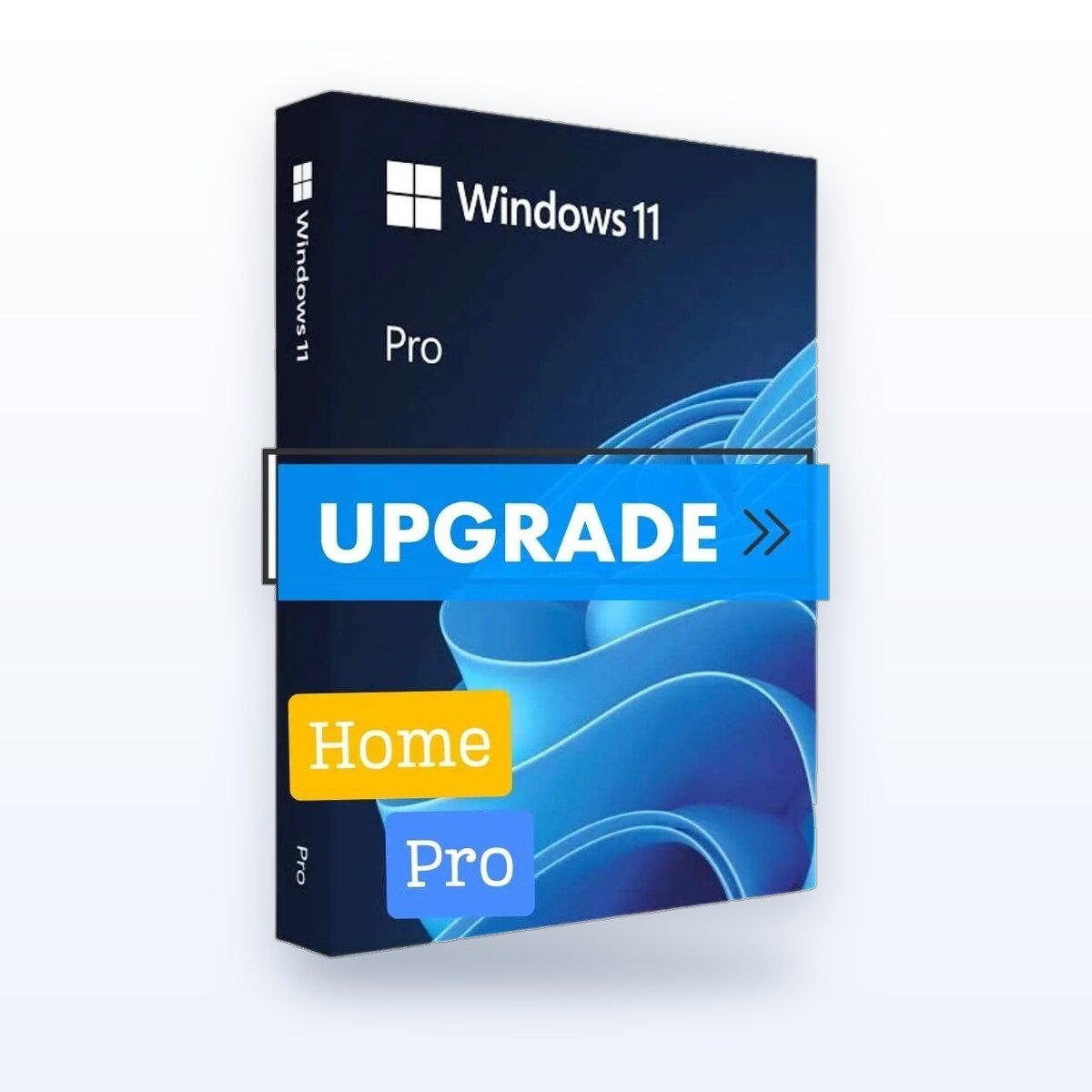
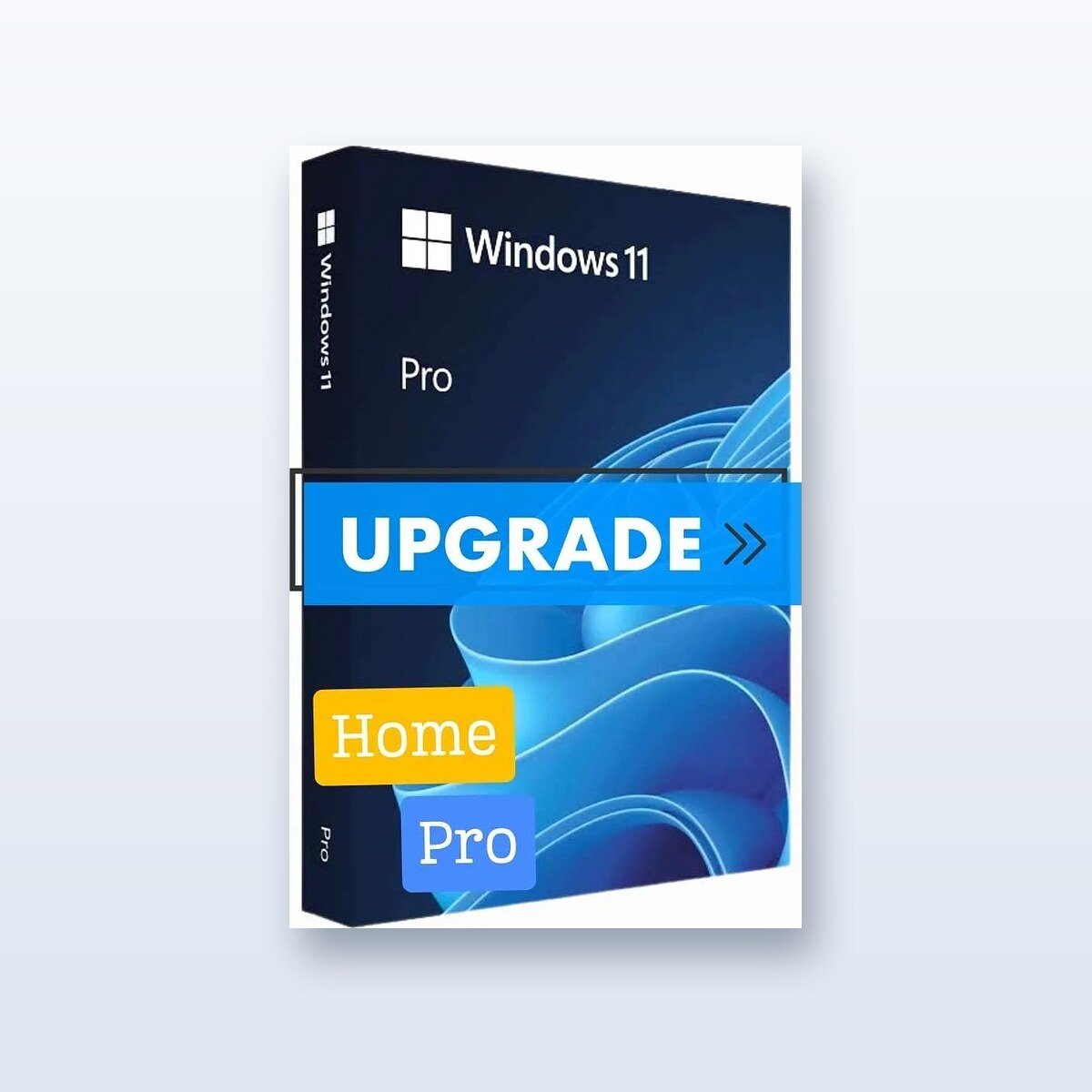
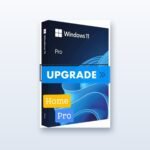
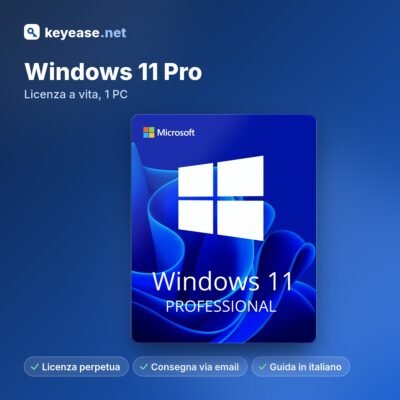
Windows 11 Pro – Upgrade from Home
Upgrade from Windows Home to Pro without reinstalling the system and without losing your files and programs. Receive a digital product key with a perpetual license—no subscriptions required.
Key Features
All the features of Windows 11 Home, plus tools designed for work
BitLocker to encrypt drives and USB sticks
Remote Desktop to connect to your PC from another device
Hyper-V and Windows Sandbox for Virtual Machines and Secure Testing
Group Criteria and Access to Corporate Domains (Active Directory and Microsoft Entra ID)
What You Get
Product Key for Windows 11 Pro – Upgrade from Home (1 PC)
Download and Activation Instructions in Italian
Perpetual license: no subscription and no renewal
Email Support
Delivery and Activation
Digital delivery via email: You will typically receive the code immediately after payment is confirmed; in some cases, delivery may take longer.
Make sure Windows 11 Home is installed and running on your PC.
Open Settings > System > Activation, and select “Change Product Key.”.
Enter the code you received via email: Windows will upgrade to the Pro edition and restart, while keeping your files and programs.
System Requirements
A 1 GHz 64-bit-compatible processor with at least 2 cores
Need help? We're here to assist you via email, even if you run into problems during installation or activation.
KeyEase is an independent reseller of software licenses. Microsoft, Windows, Office, Visio, Project, and Visual Studio are trademarks of Microsoft Corporation.
To provide the best experiences, we use technologies such as cookies to store and/or access device information. Consenting to these technologies will allow us to process data such as browsing behavior or unique IDs on this site. Not consenting or withdrawing consent may adversely affect some features and functions.
Functional
Always active
Technical storage or access is strictly necessary for the legitimate purpose of enabling the use of a specific service explicitly requested by the subscriber or user, or for the sole purpose of carrying out the transmission of a communication over an electronic communications network.
Preferences
Technical storage or access is necessary for the legitimate purpose of storing preferences that are not requested by the subscriber or user.
Statistics
Technical storage or access that is used exclusively for statistical purposes.Technical storage or access that is used solely for anonymous statistical purposes. Without a subpoena, voluntary compliance by your Internet Service Provider, or additional records from third parties, information stored or retrieved for this purpose alone cannot usually be used for identification.
Marketing
Technical storage or access is necessary to create user profiles to send advertisements, or to track the user on one website or several websites for similar marketing purposes.
After payment confirmation, you will receive your digital license via email along with activation instructions. In some cases processing may take a few minutes for technical or security verifications. After payment confirmation, the digital license is delivered by email with activation instructions.
Is this product compatible with my device?
This product is indicated for: Windows PC. Always check edition, platform and number of devices listed on the product page before purchase. Check the edition, platform, and number of devices before purchase.
Does the license only work in Italy?
The license is digital and must be used according to the terms of the product purchased. If you have concerns about country, language, edition, or compatibility, please contact us before purchase. The license is digital and must be used according to the product terms. Contact support if you are unsure.
What happens if the key does not activate?
If you experience an activation problem, please contact us with your order number and a screenshot of the error. We will check the case and provide assistance, replacement or refund where applicable. If activation fails, contact support with your order number and an error screenshot.
Can I pay by PayPal or card?
Yes. Methods available at checkout may include PayPal and credit/debit card, depending on the active gateway and availability in your country. PayPal and credit/debit card options may be available at checkout.
How can I contact support?
You can contact us by email at contact@keyease.net indicating the order number and the product purchased.Contact support by email with your order number and product name.








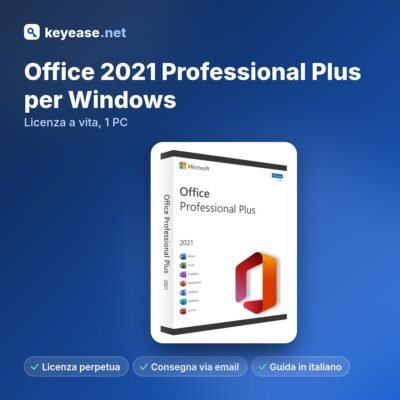




 Together, they cost less
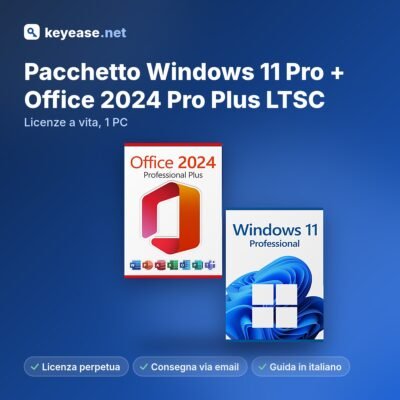
Windows 11 Pro + Office 2024 Pro Plus
€7.49 instead of
Together, they cost less
Windows 11 Pro + Office 2024 Pro Plus
€7.49 instead of 






Reviews
Clear filtersThere are no reviews yet.