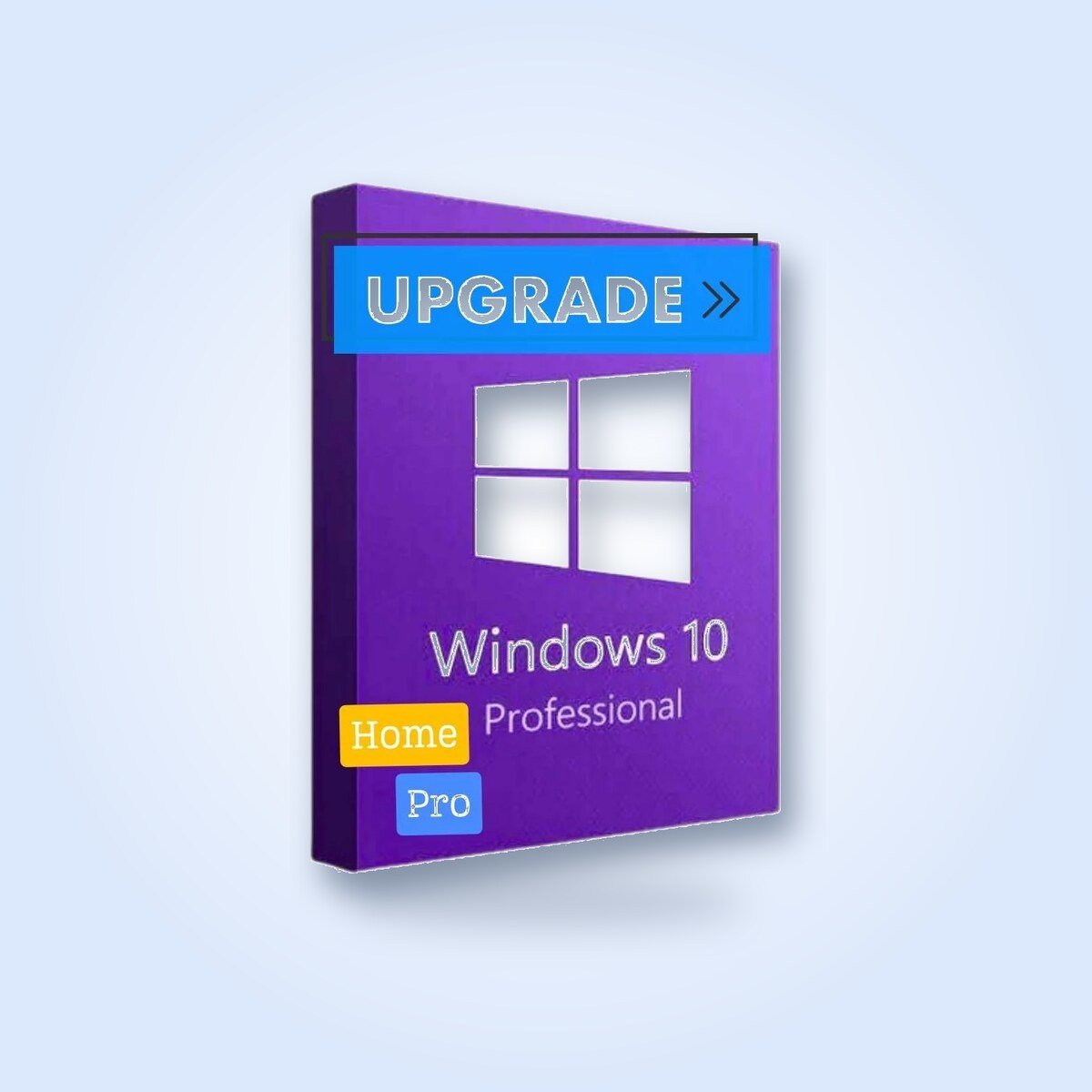
Windows 10 Pro – Upgrade from Home
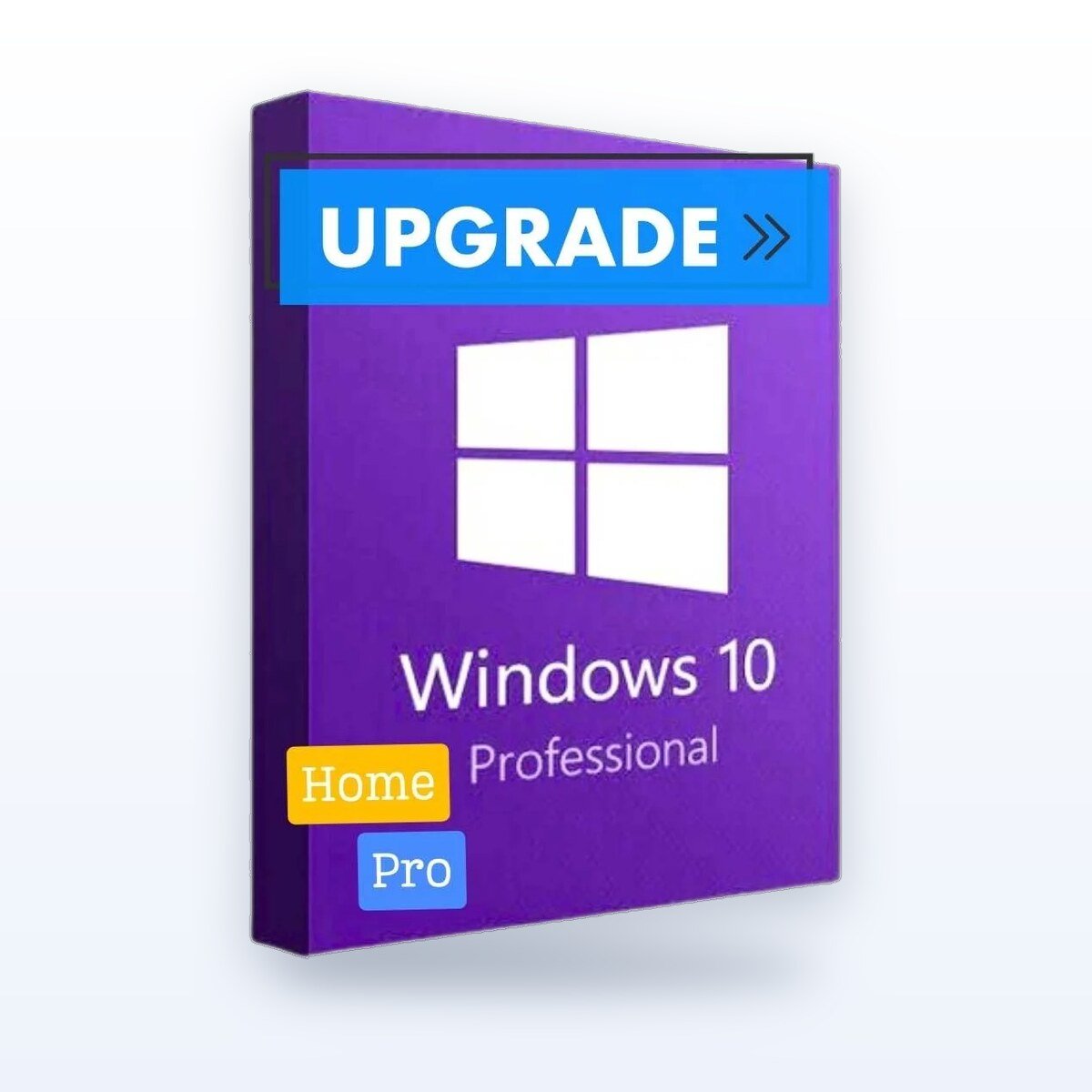
Upgrade from Windows Home to Pro without reinstalling the system and without losing your files and programs. Receive a digital product key with a perpetual license—no subscriptions required.
Key Features
- All the features of Windows 10 Home, plus professional tools
- BitLocker for Disk Encryption
- Remote Desktop and Hyper-V
- Group Policy and joining company domains
What You Get
- Product Key for Windows 10 Pro – Upgrade from Home (1 PC)
- Download and Activation Instructions in Italian
- Perpetual license: no subscription and no renewal
- Email Support
Delivery and Activation
Digital delivery via email: You will typically receive the code immediately after payment is confirmed; in some cases, delivery may take longer.
- Make sure Windows 10 Home is installed and running on your PC.
- Open Settings > Update & Security > Activation, and select “Change Product Key.”.
- Enter the code you received via email: Windows will upgrade to the Pro edition and restart, while keeping your files and programs.
System Requirements
- 1 GHz processor or higher
- 1 GB of RAM (32-bit) or 2 GB (64-bit)
- 16 GB (32-bit) or 32 GB (64-bit) of disk space
- DirectX 9 graphics card with WDDM 1.0 drivers
Product Life Cycle
Microsoft ended standard support for Windows 10 on October 14, 2025: the system will continue to work, but it will no longer receive regular security updates. If your PC is compatible, we recommend Windows 11.
Support
Need help? We're here to assist you via email, even if you run into problems during installation or activation.
KeyEase is an independent reseller of software licenses. Microsoft, Windows, Office, Visio, Project, and Visual Studio are trademarks of Microsoft Corporation.






















Reviews
Clear filtersThere are no reviews yet.