


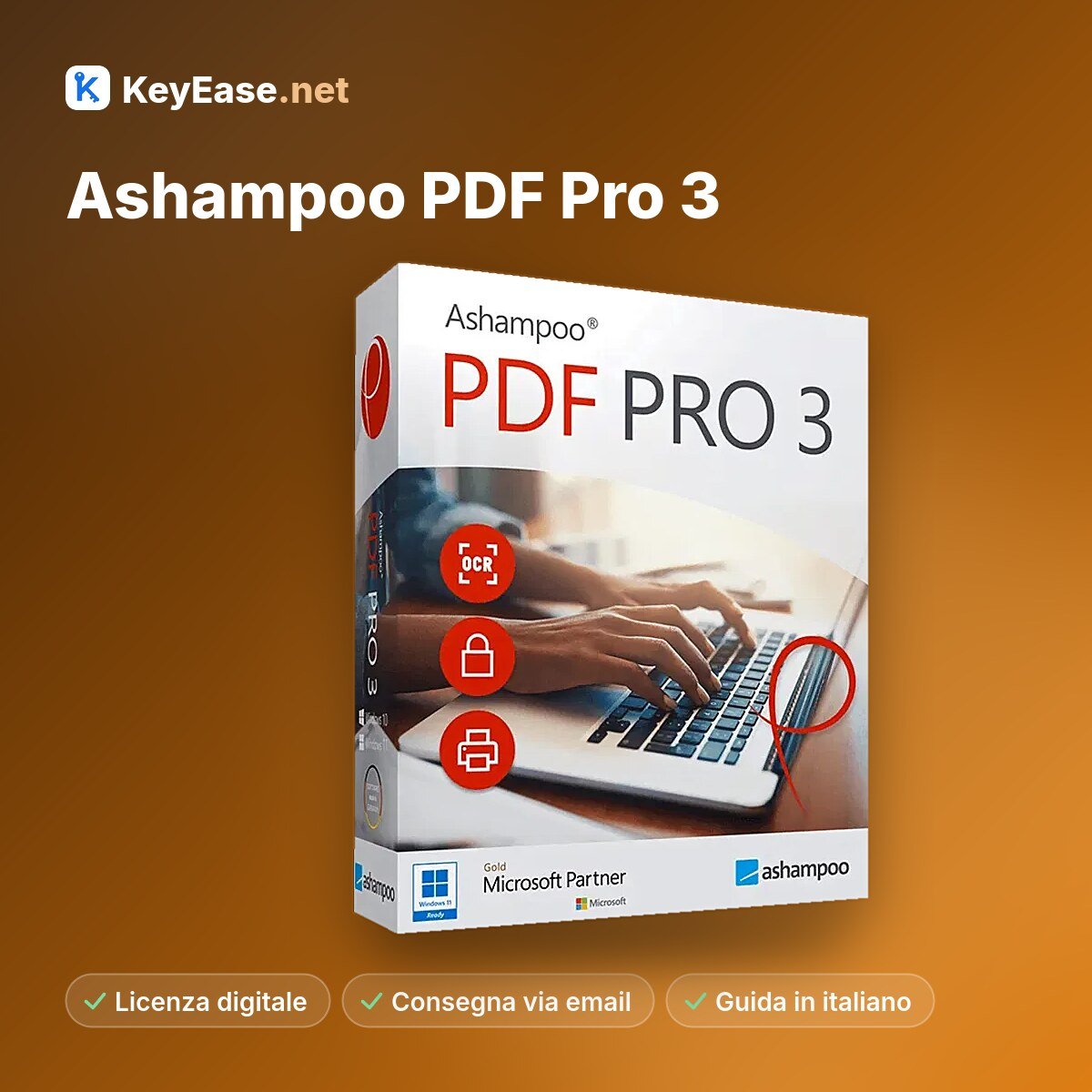


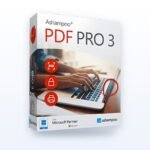


Ashampoo PDF Pro 3 is the all-in-one solution for easily editing your PDFs. This PDF software includes all the tools you need to create, convert, edit, merge, and secure PDF files. Use PDF Creator to create signed files that can be read anywhere, are always the optimal size, and can be secured with encryption. Create or edit interactive forms as you like, or edit existing PDFs just like a regular Word document!
With Ashampoo® PDF Pro 3, you can edit PDF documents just as easily as with a top-notch word processor. Ashampoo® PDF Pro 3 features a new ribbon interface, just like the one you’re familiar with from modern office programs. Getting started and making the switch is completely hassle-free! The most important commands are located in the same places you’re already familiar with from Microsoft Word, Ashampoo® Write, or other Office applications. Editing PDF files has never been easier!
Working on a computer screen is usually hard on the eyes, and documents with large white areas don’t help! Ashampoo® PDF Pro 3 effectively solves this problem: with just one click, you can switch the user interface to a dark, eye-friendly mode. This allows you to work longer and more productively with the program, even for professional use!
Ashampoo PDF creates high-quality PDF files from any Windows program. Simply open the "Print" dialog in any program and select the PDF printer driver included with Ashampoo PDF. If you need particularly compact PDF files—for example, for publication on the Internet—Ashampoo PDF converts the graphics to a lower resolution of your choice.
If you’ve already worked with Ashampoo® Office, you may already be familiar with the DeepL access bar below the ribbon. In Ashampoo® PDF Pro 3, the most important commands are also accessible here with a single click. You can customize the selection of commands to suit your preferences—you decide which functions to use to efficiently organize your individual workflows. A good PDF program adapts to your needs—not the other way around!
Ashampoo PDF converts your PDF files into text documents that you can edit with Microsoft Word or Ashampoo Office. You can also convert them to HTML, EPUB, JPG, or RTF. In addition, Ashampoo PDF Pro converts scanned pages into editable and searchable PDF files that can be edited using OCR.

Operating system
Windows® 11, Windows® 10, Windows® 8, Windows® 7
Requirements:
Any device that supports the operating systems listed above. Systems with ARM processors are not supported.
Miscellaneous
An Internet connection is required to activate the program. The program's license is checked at regular intervals.
Pay with PayPal or a credit card. See the final price before confirming.
Code and instructions, usually sent immediately after payment.
Install it using the link in the email and enter the code when you launch it for the first time.




Reviews
Clear filtersThere are no reviews yet.